Explain features in context
Help customers understand controls, settings, included equipment, setup, and everyday operation while they are using the product.
Twiin for products and rentals
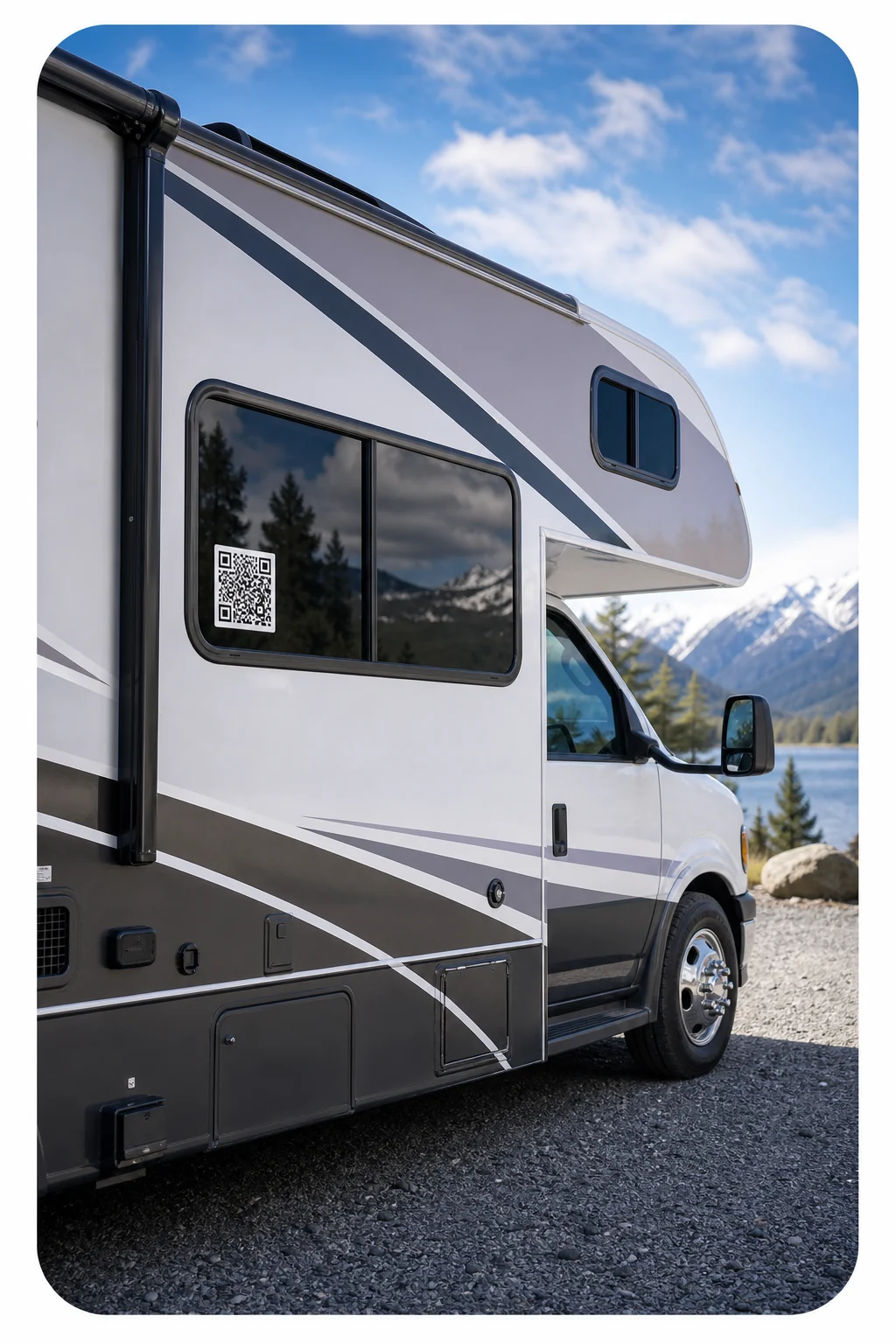
Put product guidance and service policies exactly where customers need them. One scan opens a Twiin trained on the specific vehicle, RV, equipment, or service—without an app download or a search through paperwork.
Start with the knowledge you already have. No code required.
Why it works
Twiin brings your approved knowledge into a conversational experience people can access when a question appears.
Help customers understand controls, settings, included equipment, setup, and everyday operation while they are using the product.
Answer approved questions about pickup, returns, fuel, cleaning, mileage, pets, damage reporting, and service boundaries.
Resolve common informational questions quickly while preserving human support for exceptions, safety issues, and judgment.
How it works
Create the knowledge layer once, then make it available by website, direct link, or QR code.
Add model-specific guides, feature explanations, approved procedures, rental terms, policies, and escalation instructions.
Add the code inside a vehicle or RV, on equipment, at pickup counters, or in the digital rental agreement.
Use recurring customer questions to clarify handoffs, instructions, signage, policies, and the Twiin itself.
In the real world
Explain controls, hookups, accessories, operating basics, return expectations, and rental policies.
Guide setup, included components, approved uses, maintenance basics, and return procedures.
Answer questions about bikes, carts, grills, fitness equipment, business centers, and reservable resources.
Help customers understand what is included, how the service works, timing, responsibilities, and next steps.
Questions answered
It can answer approved questions about features, controls, included items, normal operation, rental terms, return procedures, service scope, and who to contact when human help is needed.
Yes. Organize the knowledge so customers scanning a code reach guidance for the exact model, configuration, or service they are using.
Update the policy knowledge behind the Twiin. Existing QR-code placements can continue pointing to the same destination while the answers reflect the approved change.
No. The Twiin should clearly route emergencies, warning indicators, breakdowns, accidents, safety concerns, and uncertain situations to the appropriate emergency or trained support channel.
Explore more
Intelligence. Multiplied.
Upload what you know, shape how it responds, and give people a better answer at the exact moment they need it.
Get started with Twiin