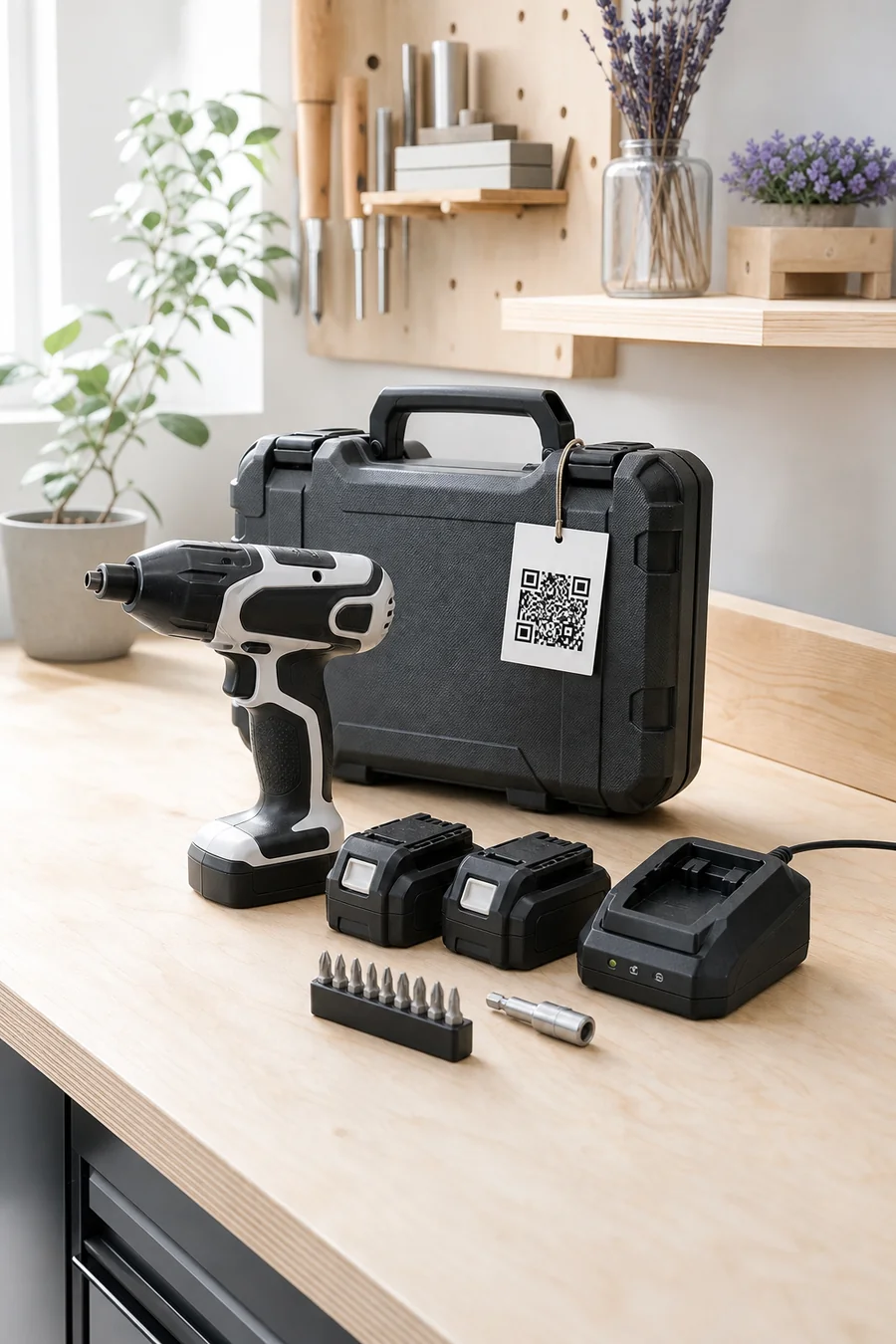
Transform a static user manual into a conversation. Customers scan a QR code beside the product or inside the package, then ask about features, setup, specifications, compatibility, care, and troubleshooting in their own words.
What makes this harvest different from last year's?
This batch uses early-harvest Arbequina olives from the north grove. It was cold-extracted within six hours, giving it a greener, more peppery finish than last year's blend. Store it away from heat and light.
Source: Batch 24-08 notes · North grove
Best food pairingsHow should I store it?
Specialty coffee equipment
Roast Profile TwiinEquipment guide · Service knowledge
Why did profile 4 pause before first crack?
The R-4 guide says an early pause usually follows restricted exhaust flow. Let the roaster cool completely, empty the chaff tray and inspect the rear screen before restarting the saved profile.
Yes—if the PX-8 has a blue revision label and firmware 2.1 or later. Update it through the charging dock before first use. Silver-label revision A units require the B18 pack.
Source: Battery matrix · PX-8 revisions
Find my revisionDecode status lights
Electric mobility
Cargo Bike TwiinOwner guide · Battery care
Can I charge the battery while it is on the bike?
Yes. Turn the C48 off, use only its supplied charger and choose a dry, ventilated area within the temperature range in the owner guide. Stop if the pack or connector appears damaged.
Source: C48 owner guide · Charging
Remove the batteryFirst service checklist
Desktop fabrication
Maker Support TwiinCalibration guide · Material profiles
Why is my PETG print lifting at the corners?
For the supplied textured plate, the M3 guide recommends cleaning it, confirming the PETG bed profile and adding a 6 mm brim for this footprint. Re-run mesh calibration if the first-layer lines are uneven.
Source: M3 material guide · PETG adhesion
Run mesh calibrationChoose a nozzle
The manual becomes useful before and after the purchase.
Why it works
Make your best answers easier to reach.
Twiin brings your approved knowledge into a conversational experience people can access when a question appears.
01
Make specifications understandable
Translate dense product documentation into direct answers while staying grounded in the manufacturer-approved source material.
02
Help customers choose confidently
Answer product, feature, fit, accessory, and compatibility questions at the shelf or on the product page.
03
Support ownership after unboxing
Guide setup, normal use, care, maintenance, and approved troubleshooting without making customers hunt through a PDF.
How it works
Start. Teach. Share.
Create the knowledge layer once, then make it available by website, direct link, or QR code.
01
Add the approved product sources
Upload the manual, specifications, compatibility tables, setup instructions, warranty information, and support boundaries.
02
Connect every buying and ownership moment
Place QR codes on store shelves, product displays, packaging, quick-start cards, receipts, and support pages.
03
Learn where documentation falls short
Review recurring questions to improve product content, merchandising, onboarding, support, and future manuals.
In the real world
One product expert across the customer journey.
At the retail shelf
Compare features, dimensions, requirements, included components, accessories, and intended uses before purchase.
Inside the package
Guide setup, registration, first use, care, maintenance, warranty, and approved troubleshooting.
Online product pages
Give shoppers conversational access to the same governed product information available in store.
For staff and installers
Help teams locate specifications, procedures, compatible components, and escalation guidance more quickly.
Questions answered
What people ask about this Twiin.
Can a QR code beside a store product open its manual Twiin?
Yes. Place a code on the shelf label, display, information card, or product page so shoppers can ask about that exact product before buying.
Can a QR code also be included inside the package?
Yes. The same or a dedicated code can appear on packaging, a quick-start card, or the product itself to support setup and ownership after purchase.
Can Twiin answer compatibility questions?
Yes, when it has current, structured, manufacturer-approved compatibility data. If a required model, measurement, environment, or version is unknown, it should ask for that context or avoid making an unsupported claim.
Does an AI product manual replace the official manual?
No. It makes approved documentation easier to explore conversationally. Required instructions, safety warnings, warranty terms, compliance information, and authoritative manuals should remain available.
This page covers a conversational product manual across the ownership journey. See the focused support experience for setup and troubleshooting questions.
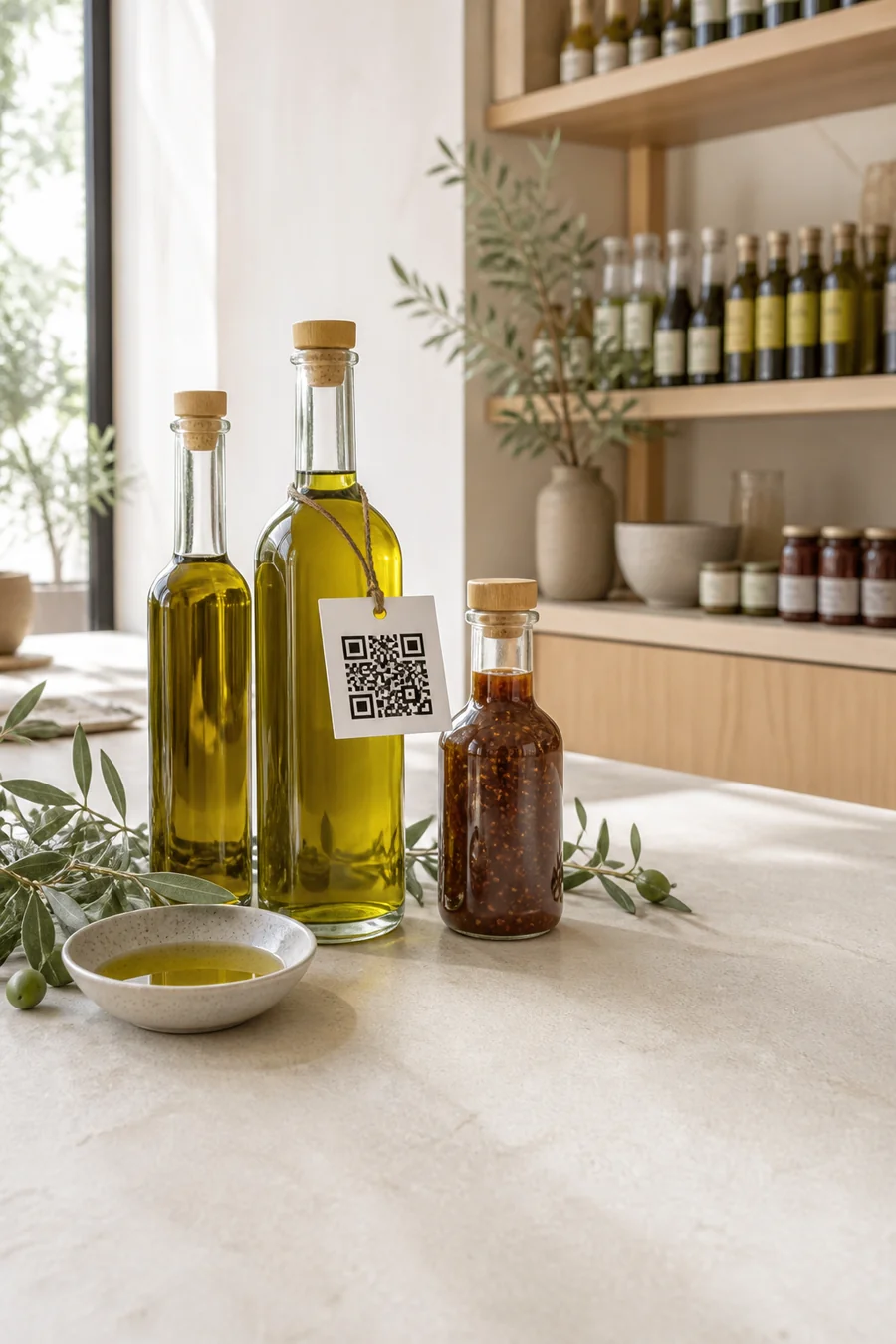 Local food & sauces