
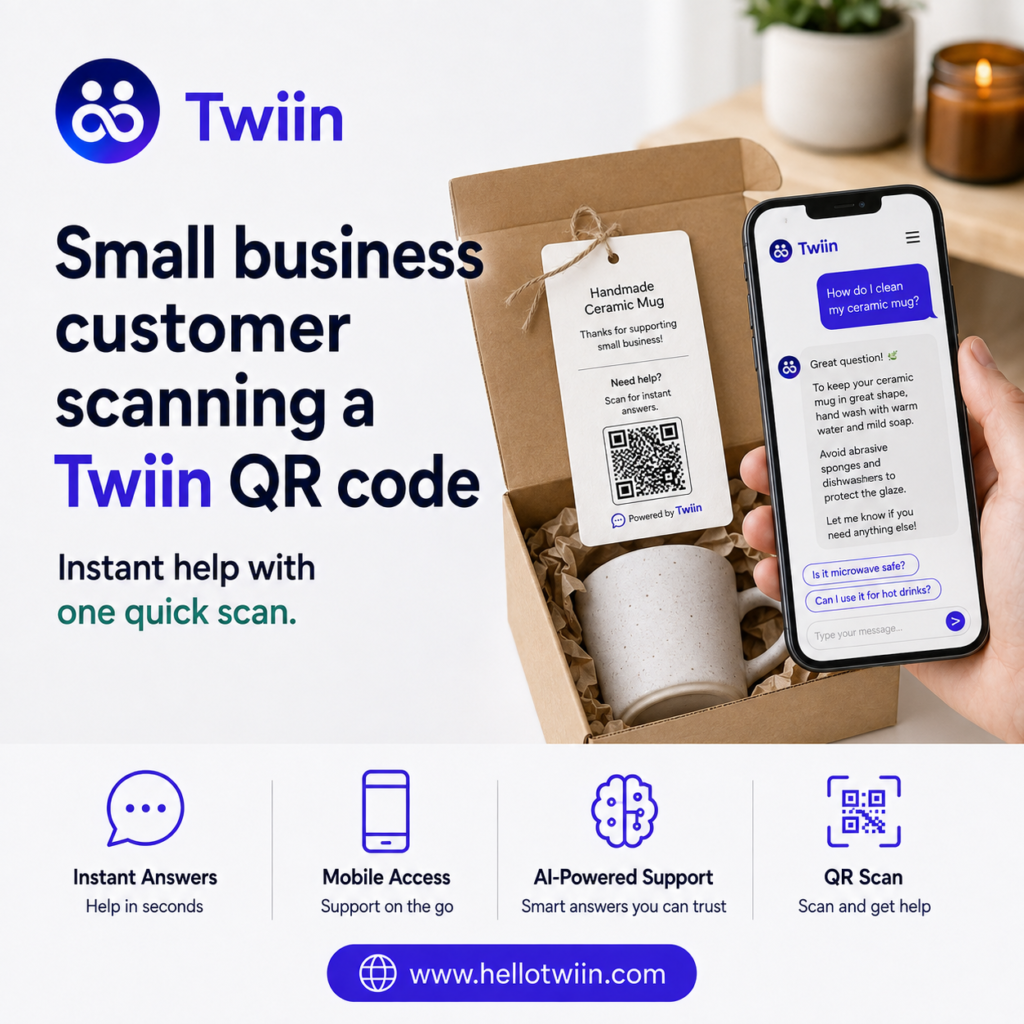
Practical Twiin use cases for small businesses go far beyond a basic chatbot. A Twiin can answer customer questions, explain products, promote services, share expert knowledge, and support sales. It works around the clock and gives each customer a clear, helpful response.
A Twiin acts like an AI-powered member of your team. You train it on the information that matters to your business. Then, customers can reach it through your website, a direct link, or a QR code.
They do not need to download an app. They do not need to wait on hold. Instead, they ask a question and get help right away.
This guide explains what Twiin is, how it works, and where businesses can use it. It also covers manufacturers, service providers, coaches, educators, rental hosts, and other small businesses.
What Is Twiin?
Twiin is a platform for creating custom AI assistants.
Each AI assistant is called a Twiin. A Twiin can represent a person, business, product, service, or brand.
For example, a furniture company could create a Twiin for a handmade table. Customers could scan a QR code and ask:
- What type of wood did you use?
- How do I assemble this table?
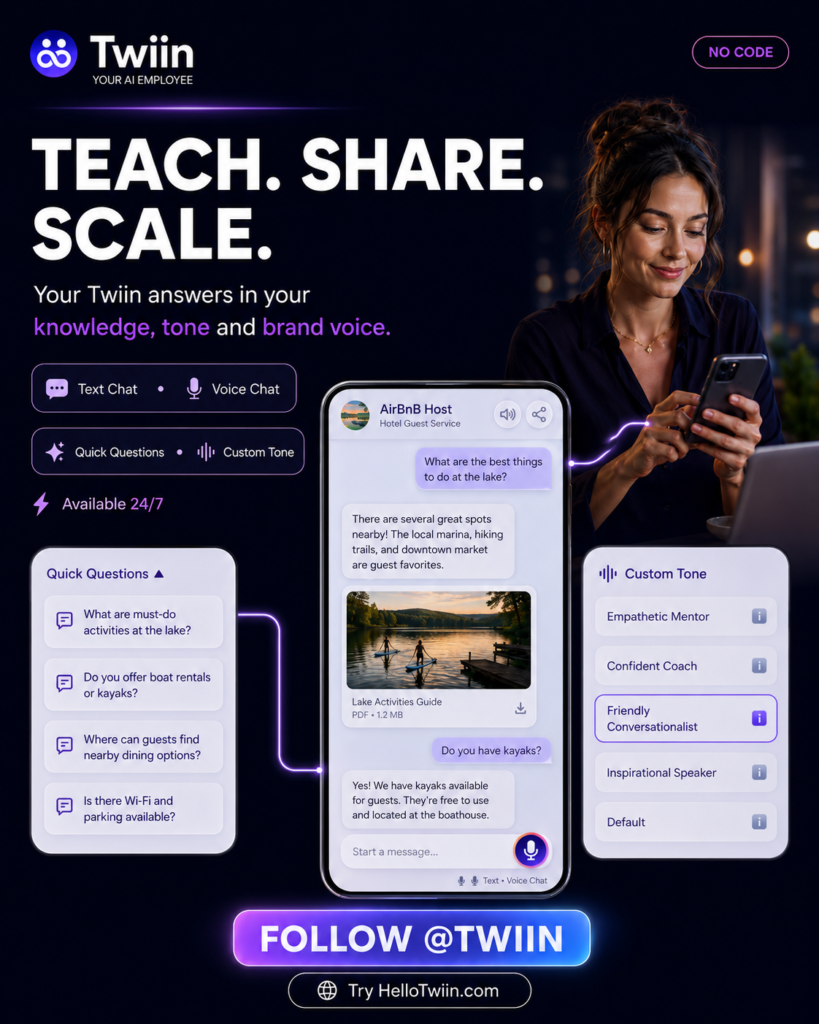
- How should I clean the surface?
- Do you sell a matching bench?
- What should I do if one part arrives damaged?
The Twiin can answer these questions using information from the manufacturer.
A business can also create a Twiin for its entire company. In that case, it could answer questions about services, prices, policies, scheduling, products, and support.
How Does a Twiin Work?
Creating a Twiin starts with your business knowledge.
You can provide product manuals, FAQs, website content, service details, support documents, videos, policies, and other useful information. You can also define the Twiin’s role, audience, tone, and goals.
Next, Twiin uses that knowledge to hold natural conversations with customers.
Customers can access it in several ways:
- Scan a QR code
- Open a direct link
- Visit your website
- Use an embedded chat experience
- Access it from product packaging or printed materials
As a result, your business knowledge becomes easier to reach.
Instead of searching through a long manual, customers can simply ask a question. Instead of waiting for a reply, they can get guidance right away.
Practical Twiin Use Cases for Small Businesses
Small businesses often have limited time and staff. However, customers still expect fast answers and helpful service.
That is where Twiin can help.
A Twiin can support customers before, during, and after a sale. It can also explain complex information in plain language.
Here are some of the most practical ways to use it.
1. Provide 24/7 Customer Support
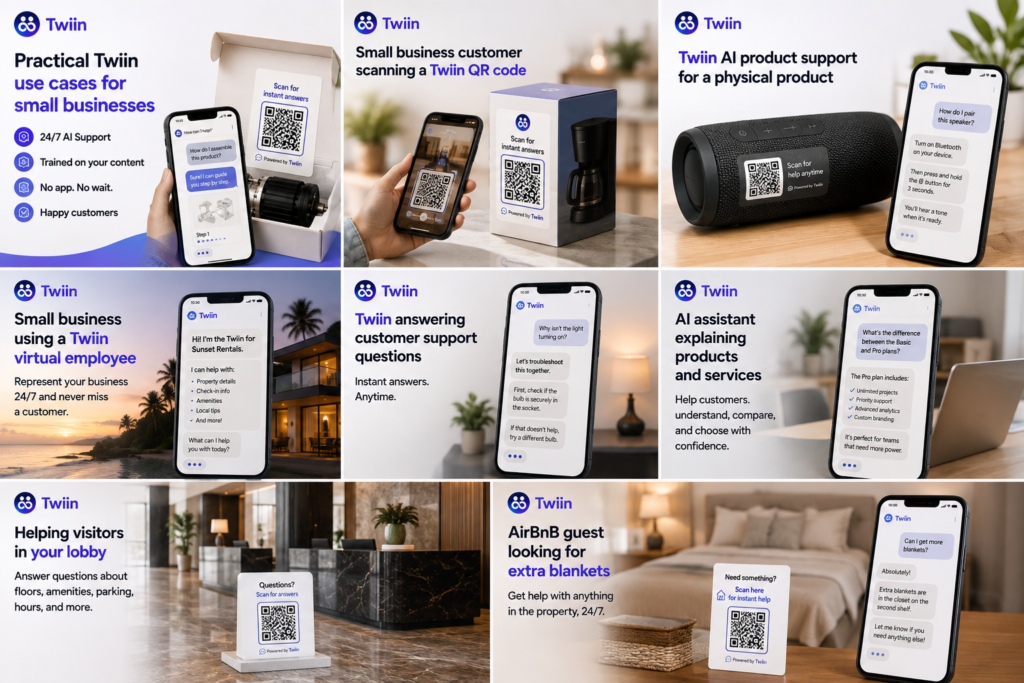
Customers do not always ask questions during business hours.
Some need help in the evening. Others may need support during a weekend or holiday. A Twiin gives them another way to get answers.
It can handle common questions such as:
- What are your business hours?
- How do I set up this product?
- What does your service include?
- How do I reset my device?
- What is your return policy?
- How should I care for this item?
Therefore, your team can spend less time answering the same questions.
A Twiin does not need breaks or days off. It can stay available while your team focuses on more complex work.
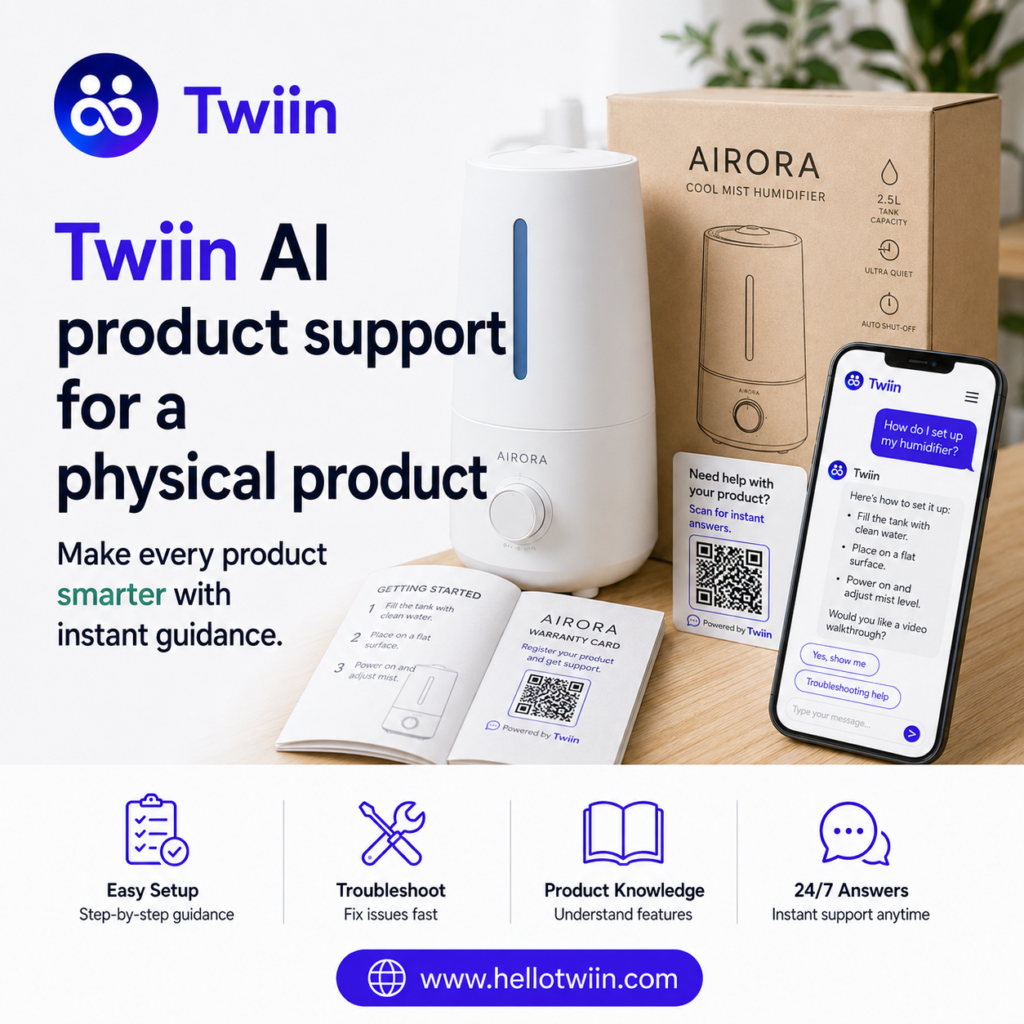
2. Turn Physical Products Into Smart Products
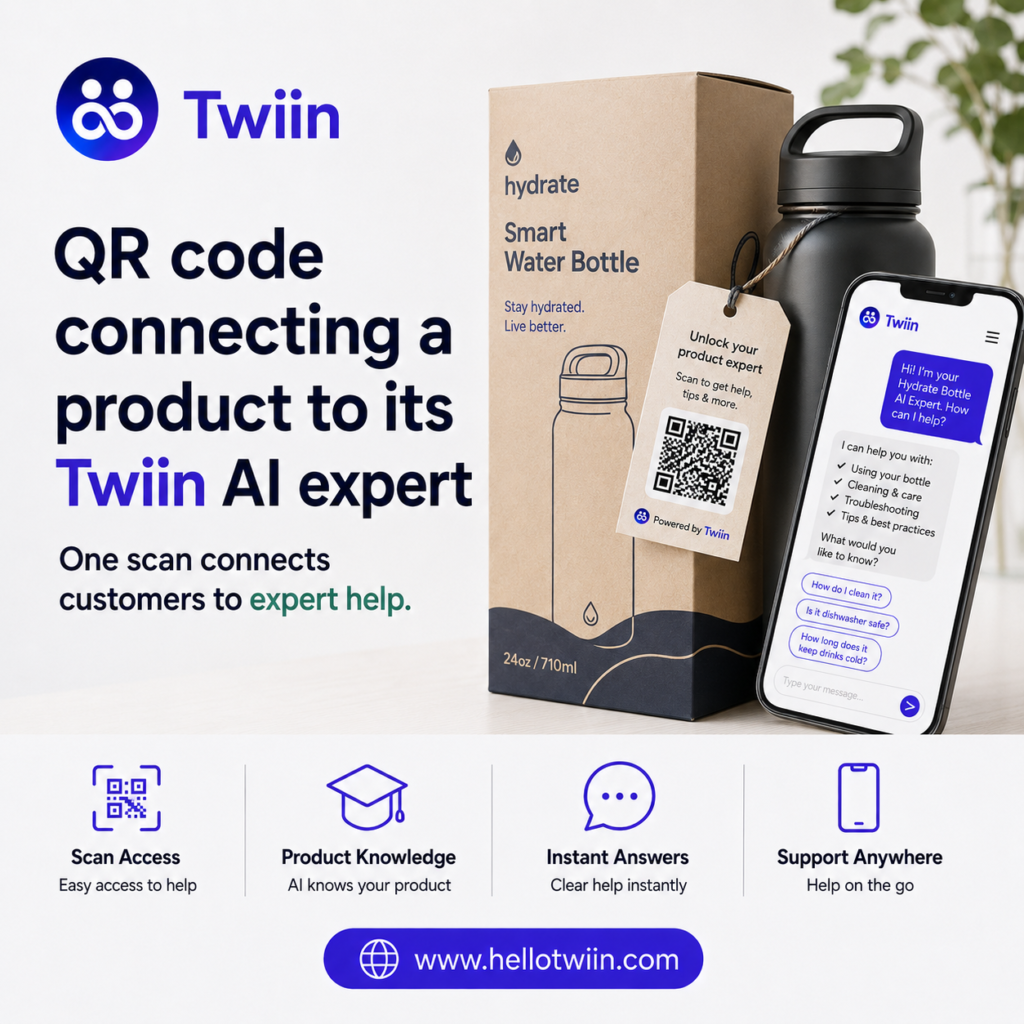
A Twiin can connect a physical product to an AI expert.
The business places a QR code on the product, package, label, manual, or warranty card. Then, the customer scans the code and starts a conversation.
For example, a customer who buys a grill could ask:
- How do I assemble it?
- Which fuel should I use?
- How do I clean the burners?
- Why is the flame uneven?
- Which cover fits this model?
The customer gets help at the exact moment they need it.
Most importantly, the product becomes more than a physical object. It becomes an interactive experience.
The same idea can work for:
- Furniture
- Tools
- Appliances
- Electronics
- Outdoor equipment
- Paint and building materials
- Fitness products
- Automotive accessories
- Industrial equipment
- Handmade products
This approach can help businesses stand out without redesigning the product itself.
3. Explain How a Product Was Made
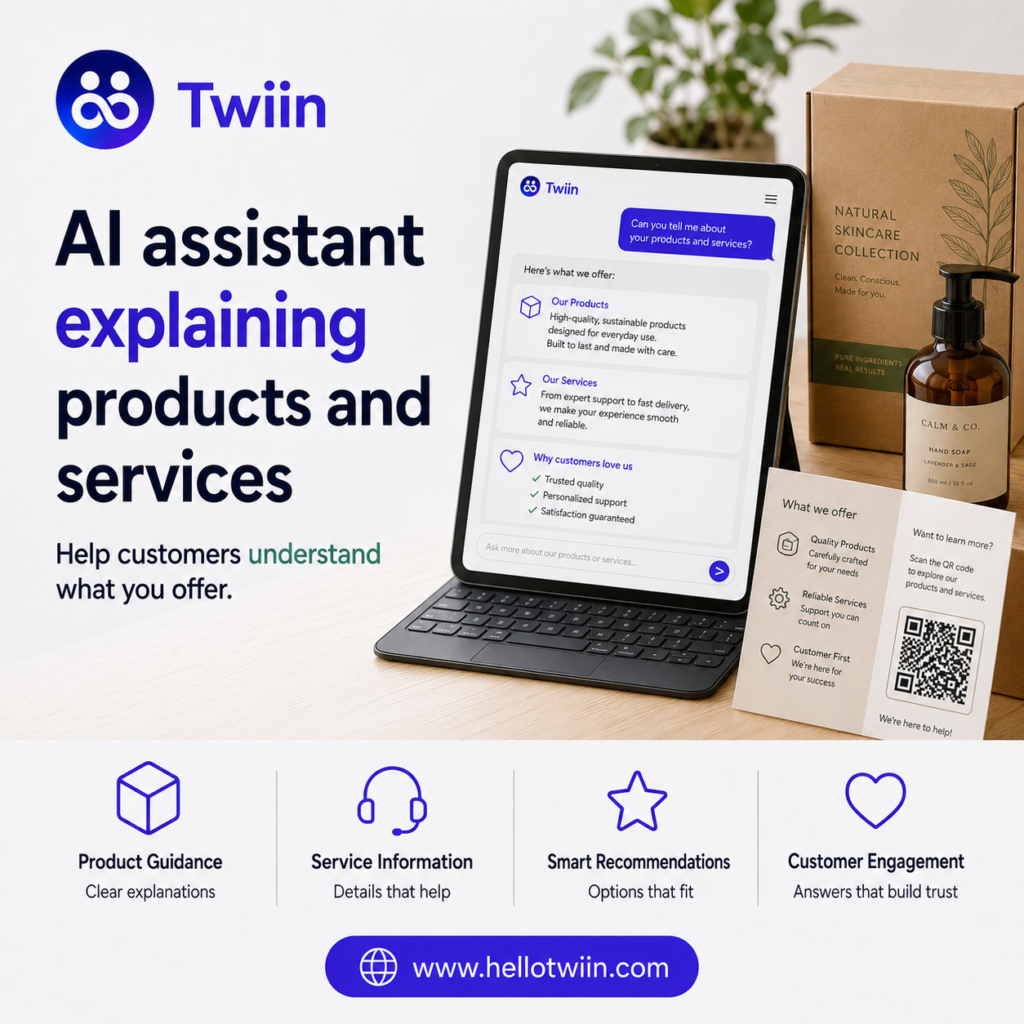
Customers often care about the story behind a product.
They may want to know where the materials came from, who made the item, or why the company chose a certain design.
A Twiin can tell that story.
For example, a furniture maker could use this introduction:
“Hi, I’m the Twiin for this table. I can explain how the team built it, what materials they used, and how to assemble and care for it. I can also answer questions and help you find matching pieces.”
This creates a more personal buying experience.
In addition, it gives small manufacturers a way to share the care and skill behind their work. The product can speak for the brand even when the owner is not present.
4. Guide Customers Through Setup and Assembly
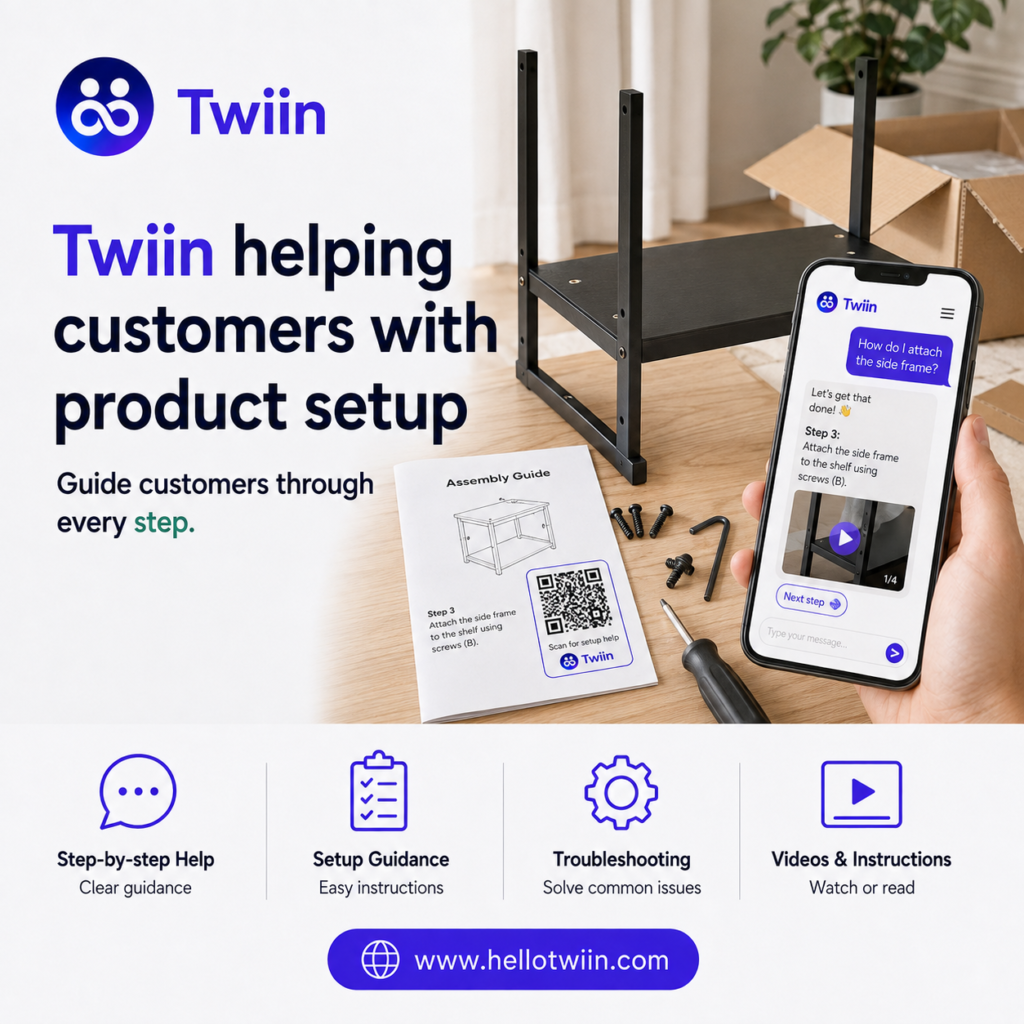
Printed instructions often confuse customers.
They may skip steps, lose the manual, or struggle to match a diagram to the actual product. A Twiin can make the process easier.
Customers can ask one question at a time. For example:
- Which part should I install first?
- Where does this screw go?
- Can you explain step four?
- Is there a video for this step?
- How do I know when the part is secure?
A Twiin can guide customers through each step in plain language.
It can also share relevant videos, images, or instructions when available. Therefore, customers do not need to search through unrelated content.
5. Help Customers Troubleshoot Problems
Troubleshooting can take a large amount of support time.
Often, the solution is simple. However, the customer may not know where to begin.
A Twiin can ask follow-up questions and guide the customer through common checks.
For example:
- What problem are you seeing?
- When did it start?
- Is the device receiving power?
- Did you complete the setup process?
- Do you see an error message?
Based on the answers, the Twiin can suggest the next step.
It can also tell the customer when to contact a person. As a result, your support team receives better information before the conversation begins.
6. Promote Products and Increase Sales
A Twiin does not only provide support. It can also help customers make buying decisions.
For example, it can:
- Explain product differences
- Recommend a suitable option
- Suggest matching products
- Promote accessories
- Answer questions before checkout
- Explain premium features
- Guide customers toward the next step
Imagine a customer looking at a handmade dining table.
The customer could ask whether the table fits six people. Then, the Twiin could explain the dimensions and recommend matching chairs or benches.
This feels more helpful than a standard sales message. The Twiin responds to the customer’s actual needs.
As a result, businesses can create more natural upselling and cross-selling opportunities.
7. Represent a Service Business
Twiin also works for businesses that sell services instead of physical products.
A service-based Twiin can explain:
- What the business offers
- Who the service helps
- What the process looks like
- How pricing works
- What customers should expect
- How to schedule the next step
For example, a cleaning company could create a Twiin that answers questions about service areas, cleaning packages, supplies, scheduling, and preparation.
Likewise, a landscaping company could explain lawn care plans, seasonal services, irrigation support, and maintenance options.
The Twiin helps potential customers understand the service before they call.
8. Share a Coach’s or Mentor’s Knowledge
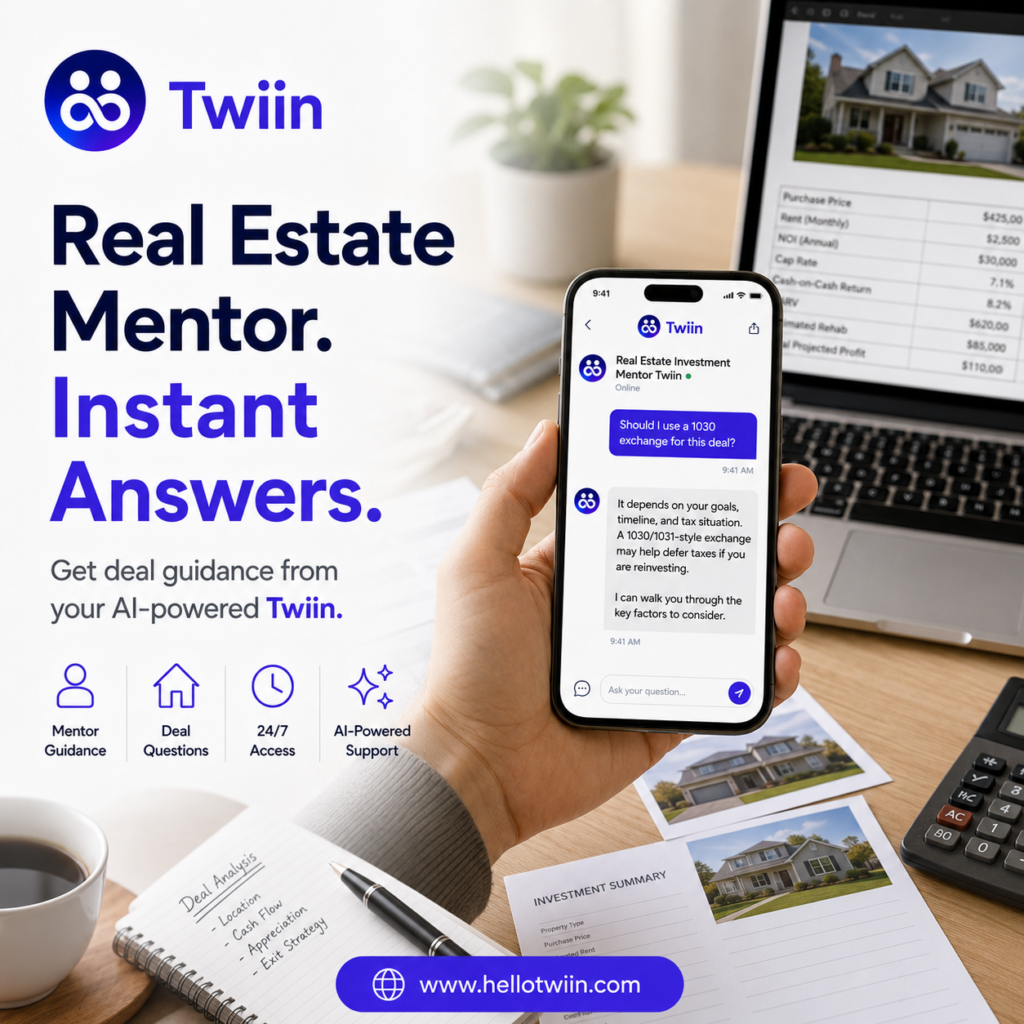
Coaches and mentors often answer similar questions again and again.
A Twiin can learn from their methods, lessons, resources, and experience. Then, it can help students between live sessions.
A coaching Twiin could:
- Explain a framework
- Review a lesson
- Suggest the next step
- Answer common questions
- Share exercises
- Reinforce previous guidance
- Help users prepare for a coaching session
For example, a real estate mentor could train a Twiin on property analysis, financing, rental strategies, and deal evaluation.
Students could then ask:
- How do I analyze a rental property?
- What expenses should I include?
- How much cash reserve should I keep?
- What makes a market attractive?
- What should I ask a property manager?
The Twiin does not replace the mentor. Instead, it extends the mentor’s reach.
9. Support Students and Educators
Educators can use Twiin to explain lessons in a friendly, conversational way.
A teacher or tutor can create a Twiin for a subject, course, or grade level. Students can then ask questions without feeling rushed or embarrassed.
An educational Twiin can:
- Explain a difficult idea
- Give a simple example
- Create practice questions
- Review a lesson
- Help with study planning
- Adjust explanations to the learner’s level
For example, a student could ask for a math concept in third-grade language. Another student could request a deeper explanation.
Therefore, one Twiin can support different learning needs.
10. Help Vacation Rental and RV Guests
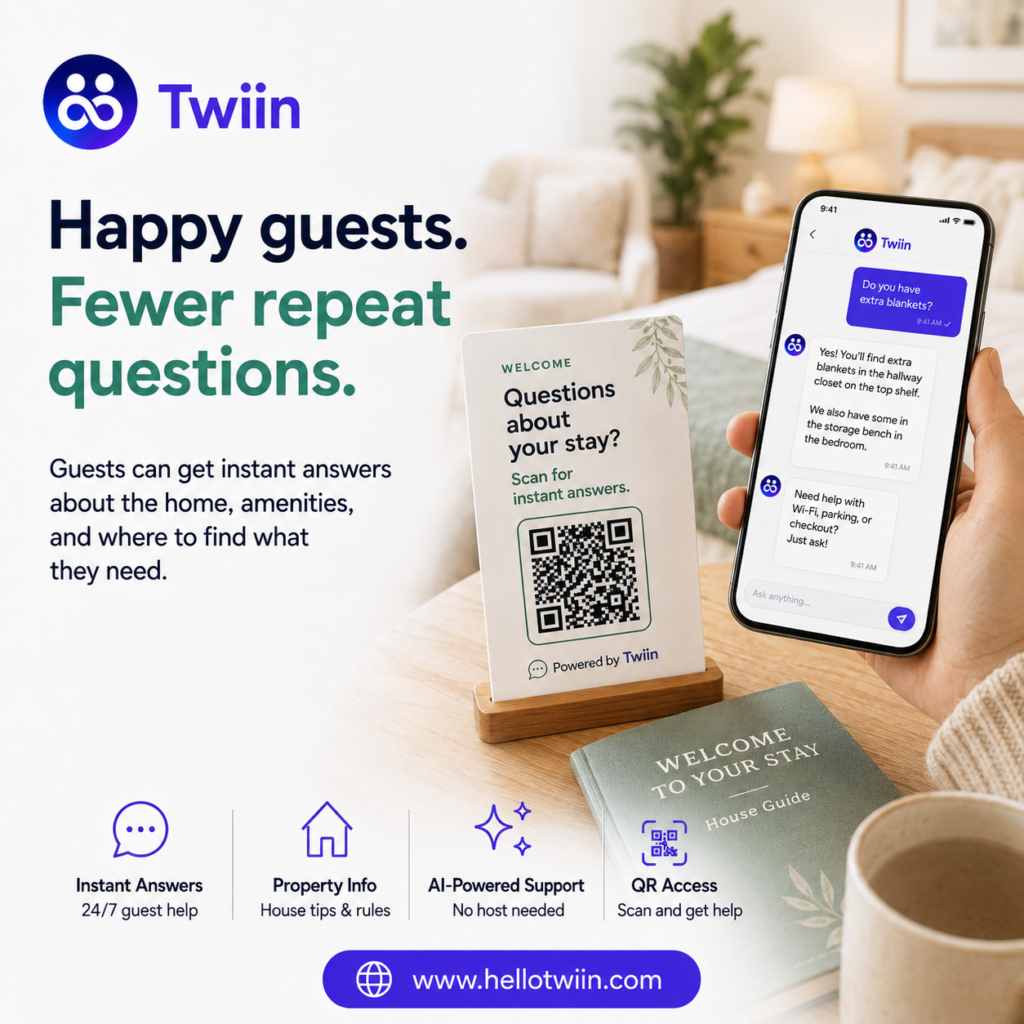
Rental owners often receive the same questions from every guest.
Guests may ask about Wi-Fi, appliances, parking, check-in, checkout, or property rules. They may also need help when the host cannot answer immediately.
A rental Twiin can provide instant guidance.
For a vacation home, it could explain:
- How to enter the property
- How to connect to Wi-Fi
- How to use the thermostat
- Where to park
- When to check out
- How to report a problem
- Which nearby places to visit
For an RV rental, it could explain:
- How to turn on the propane
- How to refill the water tank
- How to use the electrical system
- How to operate the awning
- What the rental policy covers
The host gets fewer repeat messages. Meanwhile, the guest gets faster support.
11. Train Employees and Share Internal Knowledge
Small businesses often keep important knowledge in one person’s head.
That creates a problem when the person becomes busy, takes time off, or leaves the company.
A Twiin can help organize and share that knowledge.
Employees could ask:
- How do we process this request?
- Which form should I use?
- What is the return process?
- Who approves this type of expense?
- How do I complete this task?
- What should I do when this issue occurs?
As a result, new employees can learn faster. Current employees can also find answers without interrupting a manager.
12. Create a Virtual AI Employee
A Twiin can take on a defined business role.
For example, it could act as a:
- Customer support assistant
- Product expert
- Sales assistant
- Digital concierge
- Training assistant
- Brand representative
- Real estate mentor
- Investment education guide
- Guest service assistant
- Internal knowledge assistant
The business defines the role. It also decides what the Twiin should know and who it should help.
This makes the experience more focused than a general-purpose chatbot.
How Twiin Helps Small Businesses
Twiin can create value in several parts of a business.
Faster answers
Customers can get help without waiting for an employee.
Fewer repetitive questions
The Twiin can handle common requests. Therefore, employees can focus on work that needs human judgment.
More consistent support
Customers receive answers based on the same approved business information.
Better product experiences
QR codes can connect products to setup help, troubleshooting, care instructions, and product stories.
More sales opportunities
The Twiin can answer buying questions and recommend related products or services.
Easier access to business knowledge
Customers and employees can ask questions instead of searching through long documents.
Greater reach
Coaches, educators, experts, and business owners can share their knowledge with more people.
Twiin vs. a Traditional Chatbot
A traditional chatbot often follows a fixed script.
For example, it may show a menu with a few options. If the customer asks something unexpected, the chatbot may not know what to do.
A Twiin creates a more natural conversation.
It can understand different ways of asking the same question. It can also use the business knowledge you provide to create a relevant answer.
In addition, a Twiin can represent a specific person, product, service, or role. That gives the conversation a clearer purpose and personality.
Does Twiin Require Coding?
No coding is required to create a Twiin.
You define what the Twiin represents. Then, you add the knowledge it needs and choose how people can access it.
This makes Twiin useful for business owners who do not have a technical background.
At the same time, companies can use it across more advanced product, support, sales, and training experiences.
What Information Can Train a Twiin?
Businesses can use many types of existing content, including:
- Product manuals
- Setup instructions
- FAQs
- Troubleshooting guides
- Website pages
- Service descriptions
- Policies
- Training documents
- Videos
- Product specifications
- Sales materials
- Coaching lessons
- Educational content
- Internal procedures
The quality of the information matters.
Clear and accurate source material helps the Twiin provide better answers. Therefore, businesses should review their content and keep it current.
How Customers Access a Twiin
Businesses can share a Twiin through several channels.
QR code
Place the code on a product, package, sign, business card, manual, rental property, or marketing material.
Direct link
Send the link by email, text message, or social media.
Website
Add the Twiin to a product page, support page, service page, or homepage.
Printed materials
Add access instructions to brochures, product guides, welcome books, or service documents.
This flexibility lets the business meet customers where they already are.
How to Create Your First Twiin
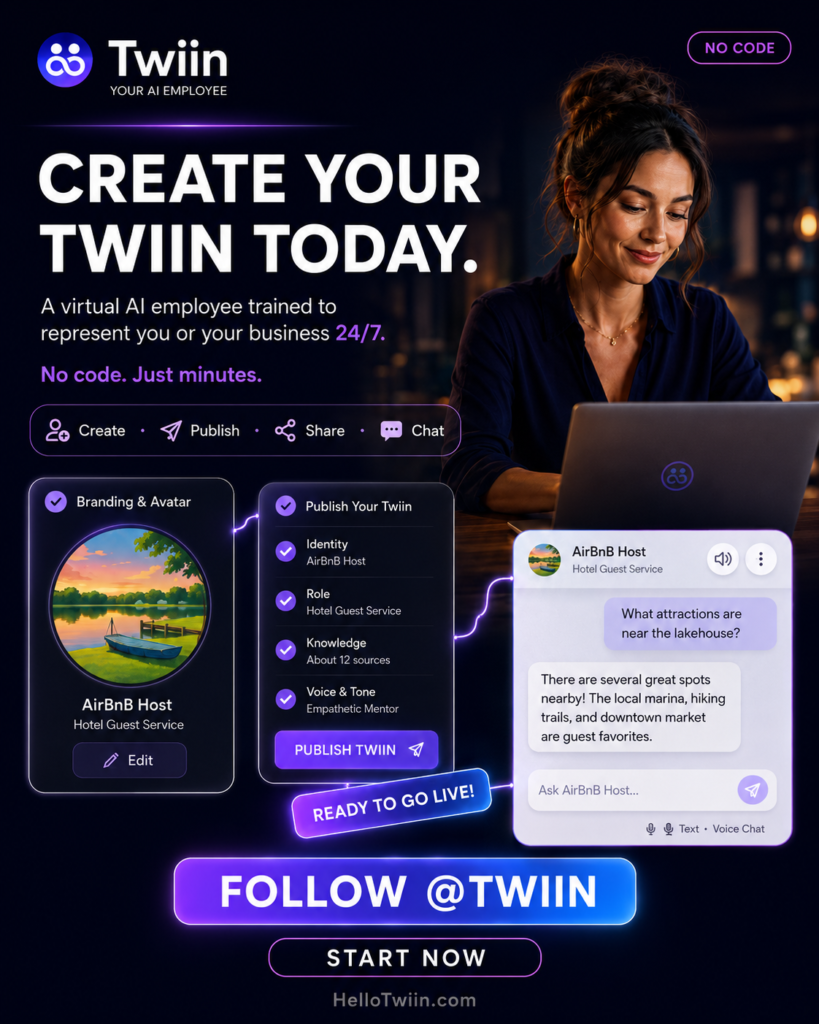
Start with one clear purpose.
Do not try to make one Twiin handle every part of your business on the first day. Instead, choose a problem that customers face often.
For example:
- Pick a product, service, or business role.
- Define the target audience.
- List the most common questions.
- Gather accurate business information.
- Add manuals, FAQs, policies, or service details.
- Choose the Twiin’s voice and personality.
- Test real customer questions.
- Improve unclear or incomplete answers.
- Share the Twiin through a link, website, or QR code.
- Keep the information updated.
A focused first use case makes testing easier. It also helps your business see value sooner.
Choosing the Best Twiin Use Case
Start by asking three questions.
What questions repeat most often?
These questions create a strong starting point for support automation.
Where do customers get confused?
Look for difficult setup steps, unclear policies, complex choices, or missing guidance.
Where could faster answers create more sales?
Consider product comparisons, service questions, pricing explanations, and accessory recommendations.
The best Twiin use case often sits where customer frustration and business opportunity meet.
What Makes Twiin Different?
Twiin connects knowledge, personality, access, and conversation.
First, it learns from information that belongs to the business or expert.
Next, it represents a defined person, product, service, or brand.
Then, customers can reach it through a simple link, website, or QR code.
Finally, it uses conversation to make that knowledge easy to understand.
In other words, Twiin does more than answer questions. It turns business knowledge into an experience people can use.
Frequently Asked Questions
Is Twiin only for product companies?
No. Product companies can use Twiin for support, setup, and troubleshooting. However, service providers, coaches, educators, rental hosts, and other experts can also use it.
Can a Twiin help sell products?
Yes. A Twiin can explain features, compare options, recommend related products, and answer questions before a purchase.
Can customers access Twiin through a QR code?
Yes. Businesses can place a QR code on products, packaging, signs, manuals, business cards, and other materials.
Do customers need to download an app?
No. Customers can open a Twiin through a direct link, QR code, or website experience.
Can Twiin answer technical support questions?
Yes. Businesses can train a Twiin on manuals, setup instructions, FAQs, troubleshooting steps, and product information.
Can a Twiin represent a real person?
Yes. A coach, mentor, educator, advisor, or business owner can create a Twiin based on their knowledge and expertise.
Can a small business create a Twiin without developers?
Yes. Twiin does not require coding for the standard creation process.
Does Twiin replace human employees?
Twiin can handle common questions and repeat tasks. However, people should still manage complex problems, sensitive situations, and decisions that require human judgment.
Turn Your Knowledge Into a 24/7 AI Experience
Small businesses already have valuable knowledge.
It lives in manuals, websites, training materials, videos, policies, and the minds of experienced people. However, customers cannot always find that knowledge when they need it.
Twiin changes that.
It turns your products, services, and expertise into an interactive AI experience. Customers can ask questions, get guidance, solve problems, and discover what to do next.
For manufacturers, that can mean smarter product support.
For service providers, it can mean faster customer answers.
For coaches and educators, it can mean sharing knowledge with more people.
For rental hosts, it can mean fewer interruptions and happier guests.
Most importantly, Twiin gives small businesses a practical way to use AI. You do not need a large technical team. You simply start with what you already know.
Create a Twiin that represents your product, service, expertise, or business. Then, make that knowledge available whenever your customers need it.

