
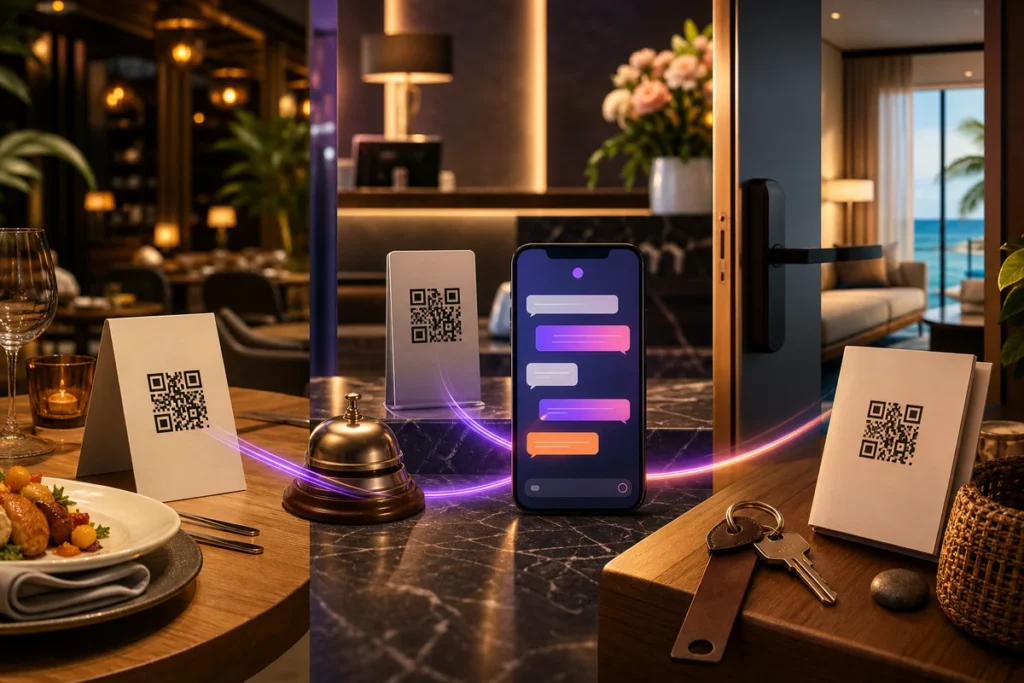
Hospitality businesses succeed through human service, but much of the customer journey depends on repeatable information.
Guests need hours, instructions, ingredients, directions, policies, amenity details, and local recommendations. When this information is difficult to find, customers wait and staff repeat the same answers.
A Twiin can make approved hospitality knowledge available through a website, link, or QR code.
Restaurants can make the menu conversational
A restaurant Twiin can help guests explore:
- Menu descriptions
- Ingredients and preparation
- Dietary options
- Reservation information
- Hours and location
- Parking and accessibility
- Catering and events
- The story behind dishes or ingredients
Place access on the website for pre-visit questions and use QR codes on menus, tables, pickup counters, or storefront signs.
Food safety requires special care. The Twiin should communicate only approved ingredient and allergen information, preserve cross-contact warnings, and direct guests to staff whenever individual confirmation is required.
Hotels can offer a digital concierge
Hotel questions span the entire stay:
Before arrival:
- Parking and transportation
- Check-in times
- Early arrival
- Accessibility
- What the property provides
During the stay:
- Wi-Fi
- Breakfast
- Pool and gym hours
- Housekeeping
- Checkout
- Local food and activities
Place QR codes in rooms, elevators, lobbies, and amenity areas. Include the direct link in confirmation and pre-arrival messages.
A hotel Twiin can remain available during busy check-ins and overnight hours. It should also route service requests, emergencies, and account-specific issues to the right team.
Vacation rentals can replace the difficult guidebook
Rental guests often receive a long message or printed binder. The information may be complete but difficult to search.
A rental Twiin can answer:
- Arrival and parking questions
- Wi-Fi instructions
- Appliance operation
- Climate controls
- Trash and recycling
- Quiet hours and house rules
- Checkout procedures
- Host-approved local recommendations
Send the link before arrival and place a QR code inside the property.
Keep door codes and sensitive security details in the secure booking or messaging channel. A public or broadly shared Twiin should not expose them.
Vehicle and RV rentals can attach help to the rental
RVs and rental vehicles contain unfamiliar features and policies. Place a QR code on a window card, dashboard guide, or equipment panel.
Renters can ask about:
- Normal controls and features
- Included equipment
- Hookups and approved operation
- Fuel, mileage, cleaning, and return policies
- What to do when something is missing
Safety questions, accidents, warning lights, breakdowns, and emergencies should direct the renter to trained or emergency support.
Use one knowledge source across several access points
The same approved hospitality knowledge can appear through:
- Website assistance
- Direct links
- Pre-arrival messages
- In-room or on-table QR codes
- Post-visit follow-up
The access points may change, but the answers should remain governed by the same current information.
Let guest questions improve the operation
Review what guests ask most often.
Frequent questions may reveal that signage is missing, a policy is confusing, an appliance needs better instructions, or pre-arrival communication is incomplete.
Use the patterns to improve the full guest journey, not only the Twiin.
AI should support hospitality, not remove it
A Twiin is strongest when it handles repeatable knowledge while people handle moments that require warmth, creativity, judgment, and care.
That balance gives guests faster access to information and gives staff more room to deliver the personal service that creates loyalty.

